Lesson Description
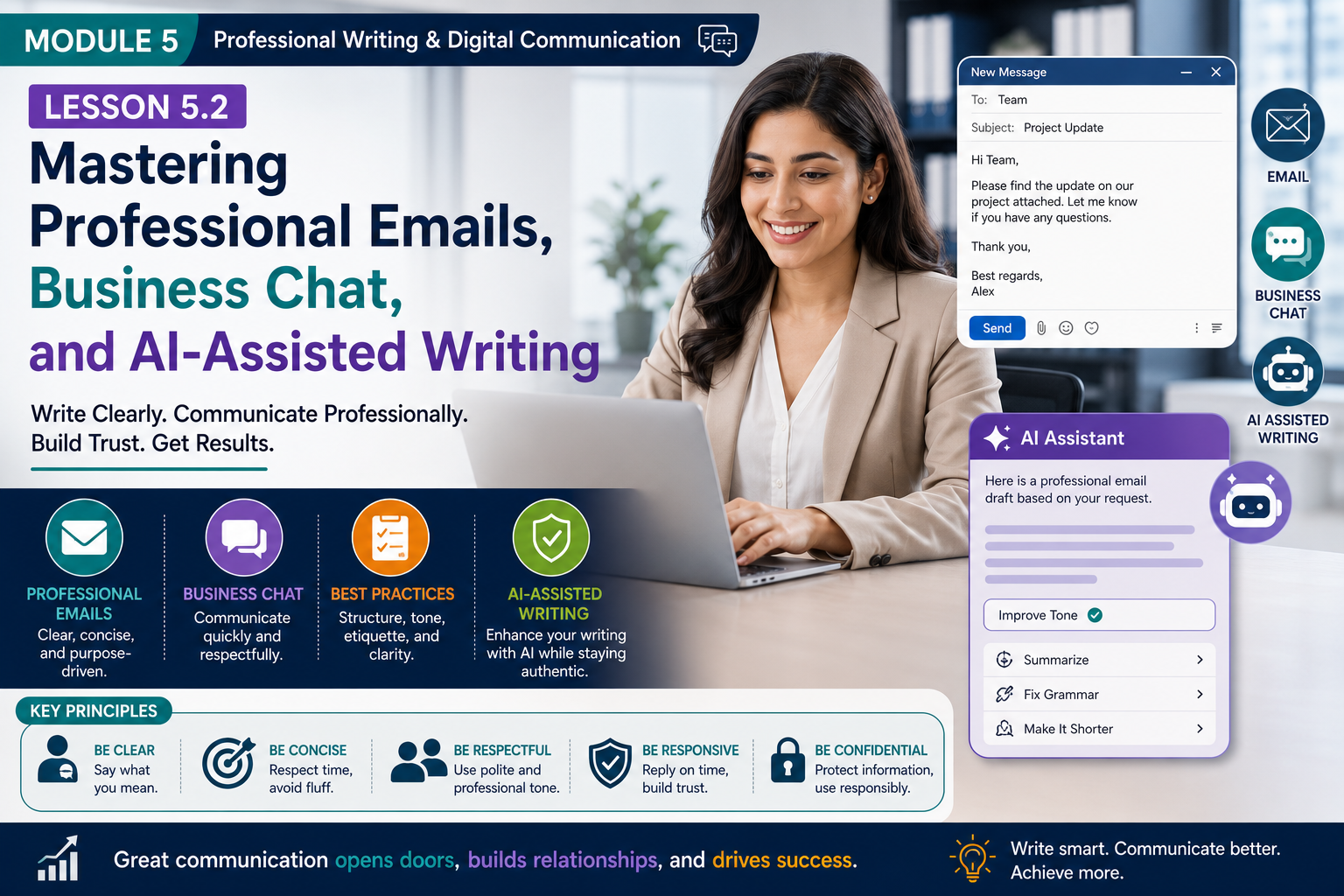
Modern professionals spend a significant part of their day communicating through emails, instant messaging platforms, collaboration tools, and AI-powered writing assistants. Whether you’re sending an important business email, responding to a customer inquiry, collaborating on Slack or Microsoft Teams, or using AI to draft documents, your writing directly affects your professional reputation.
Professional written communication is no longer just about grammar—it is about clarity, speed, collaboration, digital etiquette, and responsible use of AI.
In this lesson, you’ll learn how to write effective emails, communicate professionally through business chat platforms, use AI writing tools responsibly, and avoid common digital communication mistakes in today’s global workplace.
Learning Objectives
By the end of this lesson, you will be able to:
- Write professional business emails.
- Communicate effectively through workplace chat platforms.
- Follow modern digital communication etiquette.
- Use AI writing assistants responsibly.
- Write polite follow-up messages.
- Avoid common email and messaging mistakes.
- Improve productivity through better written communication.
1. The Evolution of Workplace Communication
Today’s professionals communicate using multiple digital channels.
Common communication platforms include:
- Microsoft Teams
- Slack
- Google Chat
- Zoom Chat
- LinkedIn Messages
- Project management tools
- Customer support platforms
- AI writing assistants
Choosing the right communication channel is the first step toward effective communication.
Which Channel Should You Use?
| Situation | Best Communication Channel |
|---|---|
| Formal business communication | |
| Quick team updates | Business Chat |
| Project discussions | Collaboration platforms |
| Client proposals | |
| Company announcements | Email or Team Workspace |
| Urgent clarification | Chat or Video Call |
Choose the communication method that best matches the urgency and purpose of your message.
2. Writing Professional Emails
Email remains one of the most important business communication tools.
Well-written emails save time and reduce misunderstandings.
Structure of a Professional Email
Subject Line
Keep it specific.
Good examples:
- Project Update – Week 3
- Meeting Confirmation – Friday, July 12
- Request for Marketing Approval
Poor examples:
- Hi
- Question
- Important
A clear subject line helps recipients prioritize their inbox.
Greeting
Examples:
- Dear Ms. Johnson,
- Hello Michael,
- Good morning Team,
Choose an appropriate level of formality.
Opening
State your purpose immediately.
Example:
“I hope you’re doing well. I’m writing to share the latest project update.”
Readers appreciate getting to the point quickly.
Main Message
Keep paragraphs short.
Use bullet points when possible.
Explain:
- What happened?
- Why does it matter?
- What action is needed?
Closing
Examples:
- Thank you.
- Kind regards,
- Best regards,
- Sincerely,
Include your name and relevant contact information when appropriate.
3. Business Chat Etiquette
Modern workplaces increasingly rely on instant messaging.
Chat messages should be concise while remaining professional.
Best Practices
- Be respectful.
- Keep messages brief.
- Use complete sentences when appropriate.
- Respond within a reasonable time.
- Avoid excessive abbreviations.
- Use emojis sparingly in professional settings.
Example
Instead of:
“Need this ASAP!!!”
Try:
“Could you please review this by 3:00 p.m. today? Thank you.”
Professional wording encourages cooperation.
4. Digital Communication Etiquette
Professional behavior extends to all digital communication.
Before Sending
Ask yourself:
- Is this the right channel?
- Is my message clear?
- Is my tone respectful?
- Have I included all necessary information?
During Conversations
- Stay focused.
- Avoid multitasking.
- Respect response times.
- Avoid typing in ALL CAPS.
- Do not send unnecessary messages.
Professional etiquette improves workplace relationships.
5. Writing Effective Follow-Up Messages
Following up demonstrates responsibility and professionalism.
Good Follow-Up Example
“Hello Sarah,
I hope you’re doing well.
I’m following up regarding yesterday’s proposal. Please let me know if you need any additional information.
Thank you.”
This message is polite and concise.
Poor Follow-Up Example
“Why haven’t you replied?”
Professional follow-ups remain respectful.
6. AI-Assisted Writing
Artificial intelligence is transforming written communication.
AI can help with:
- Grammar correction
- Brainstorming
- Summarizing
- Translation
- Content organization
- Draft generation
- Tone improvement
AI increases productivity—but should never replace human judgment.
Responsible AI Use
Always review AI-generated writing for:
- Accuracy
- Tone
- Confidential information
- Cultural sensitivity
- Bias
- Context
AI is your writing assistant—not your decision-maker.
Best Practices
Use AI to:
- Improve clarity.
- Generate first drafts.
- Simplify complex writing.
- Check grammar.
- Create outlines.
Always personalize the final message.
Authenticity builds trust.
7. Common Digital Writing Mistakes
Avoid:
- Unclear subject lines.
- Long paragraphs.
- Emotional responses.
- Sending messages too quickly.
- Ignoring proofreading.
- Overusing emojis.
- Replying without reading the entire message.
- Sharing confidential information carelessly.
- Relying completely on AI without review.
Professional communication requires careful attention.
8. Communicating Across Time Zones
Remote teams often work globally.
Be respectful of:
- Different working hours.
- Public holidays.
- Time zone differences.
- Response expectations.
Use clear deadlines.
Example:
“Please submit your feedback by 5:00 PM UTC on Friday.”
Clear timing reduces confusion.
9. Cybersecurity and Professional Writing
Professional communication also involves protecting information.
Always:
- Verify recipients before sending.
- Avoid sharing confidential data unnecessarily.
- Be cautious with unknown links and attachments.
- Use strong passwords.
- Report suspicious emails.
Good communication includes responsible digital behavior.
10. Future of Written Communication
The future workplace will combine the following:
- Human creativity
- AI assistance
- Digital collaboration
- Global teamwork
- Multilingual communication
The professionals who succeed will write clearly, communicate respectfully, and use AI ethically.
Technology changes.
Clear communication remains timeless.
The W.R.I.T.E. Framework
Use the W.R.I.T.E. Framework before sending any professional message.
W — Write with Purpose
Know exactly why you’re writing.
↓
R — Respect Your Reader
Use professional, audience-appropriate language.
↓
I improve with AI
Use AI to enhance—not replace—your writing.
↓
T — Trim Unnecessary Words
Keep your message concise.
↓
E — Edit Before Sending
Proofread grammar, spelling, tone, and accuracy.
Following this framework improves both clarity and professionalism.
Real-World Scenario
Daniel works for an international consulting company.
He needs to inform clients about a project delay.
Instead of sending a vague email, he
- Writes a clear subject line.
- Briefly explains the reason for the delay.
- Provides a revised timeline.
- Offers alternative solutions.
- Reviews the message using an AI writing assistant.
- Proofreads it before sending.
The clients appreciate the transparency and professionalism.
Although the project is delayed, trust is maintained because communication is clear, respectful, and proactive.
Key Takeaways
- Email remains the standard for formal business communication.
- Business chat should be concise, respectful, and appropriate for the workplace.
- Clear subject lines and logical organization improve readability.
- Professional follow-ups strengthen relationships and demonstrate accountability.
- AI writing tools enhance productivity but require careful human review.
- Proofreading protects your credibility.
- Digital etiquette includes respectful tone, timely responses, and choosing the right communication channel.
- Cybersecurity is an important part of professional written communication.
- Global communication benefits from simple language, clear deadlines, and cultural awareness.
- The W.R.I.T.E. Framework helps ensure every message is purposeful, professional, concise, and accurate.
Practice Activity
Over the next five days, consciously improve one piece of written communication each day.
Choose different types of messages, such as:
- A professional email
- A business chat message
- A meeting summary
- A project update
- A follow-up email
Before sending each message, apply the W.R.I.T.E. Framework:
- W – Is my purpose clear?
- R – Is my tone appropriate for the reader?
- I – Can AI help improve clarity without replacing my judgment?
- T – Have I removed unnecessary words?
- E – Have I proofread everything carefully?
At the end of the week, reflect on whether your messages became clearer, more professional, and easier for others to understand. Mastering these habits will make you a more effective communicator in any modern workplace.